
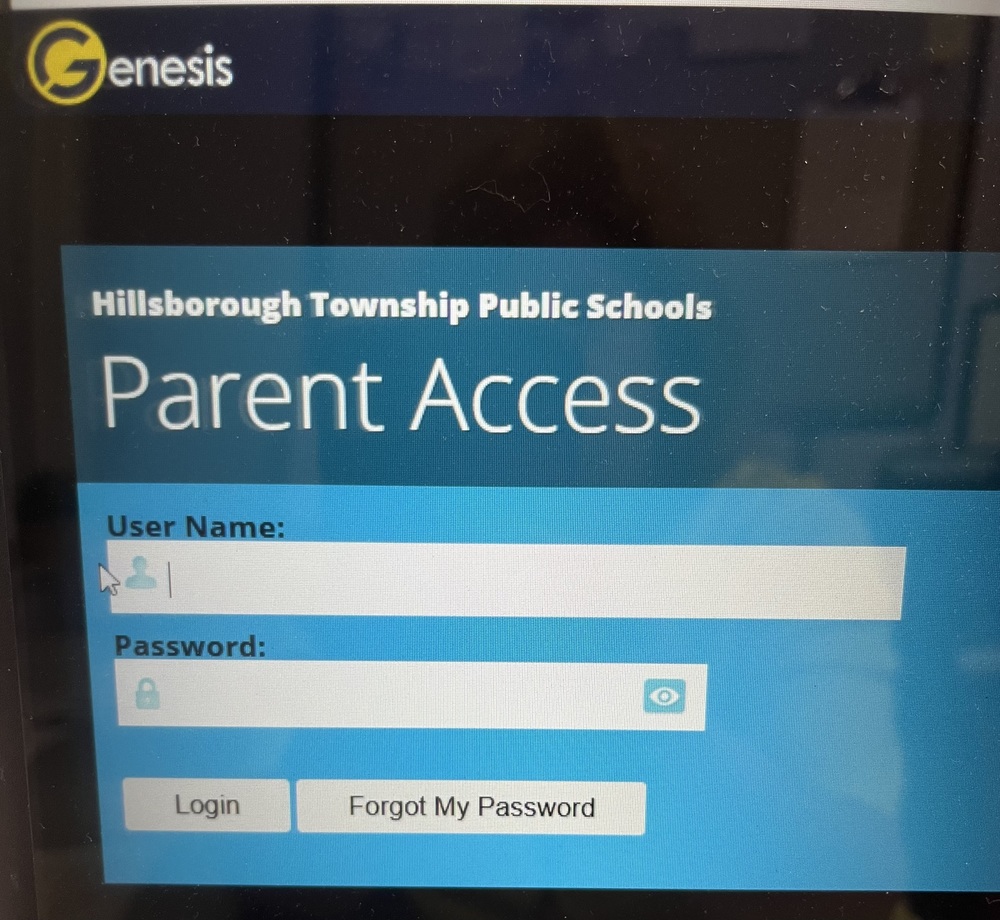
Genesis' Parent Portal will be unavailable from Friday, March 27th starting at 4:30pm, through Tuesday, March 31st Access to the Parent Portal will resume on Wednesday, April 1st.
You will be automatically redirected to the new URL parents.htps.us to log in. You must manually type your email and password the first time you visit the new site.
Because this is a new website, your saved passwords, Keychain, and FaceID/TouchID will not work for your first visit.
If your password does not work after one or two attempts, please click "Forgot My Password" immediately to reset it. Repeated incorrect attempts will lock your account, which will require you to contact the school office for a manual reset.
If you cannot access your account after using the "Forgot My Password" link, please contact the HES Secretary at mschmidt@htps.us
Future Logins: Once you log in successfully, your browser or phone may ask if you want to save the password for this new site. If you choose to save it, your autofill/FaceID will work as usual moving forward.
User Guide: For general help navigating the portal, you can refer to the Parent Portal User Guide here.
A reminder email will be sent on April 1st once the transition is complete.
To ensure a smooth transition to our new Genesis server, please note that the "Genesis" button on our district website (www.htps.us) will be updated automatically. If you prefer to access the portal directly, the new URL starting April 1st is https://parents.c3.genesisedu.net/hillsborough.
Please be aware that any old bookmarks or mobile home screen shortcuts will no longer function, so we ask that you delete them and create new ones using the updated address. For additional assistance, a step-by-step mobile guide is available on our website at https://www.htps.us/page/genesis.